Checkout.com is a global payment processor providing payment solutions for merchants worldwide. The platform supports multiple payment methods with comprehensive coverage across regions and currencies.Documentation Index
Fetch the complete documentation index at: https://docs.gr4vy.com/llms.txt
Use this file to discover all available pages before exploring further.
Supported payment methods
| Method | Countries | Currencies | Notes |
|---|---|---|---|
| Card | AT, AU, 38 more | AED, AFN, 130 more | Card processing via Checkout.com. |
Setup
Checkout.com provides a self-service sign-up for a sandbox account. To sign up for an account visit the sign-up page and fill in the details.Credentials
When setting up Checkout.com in the dashboard, configure the following credentials, which are obtained from Checkout.com:Public key
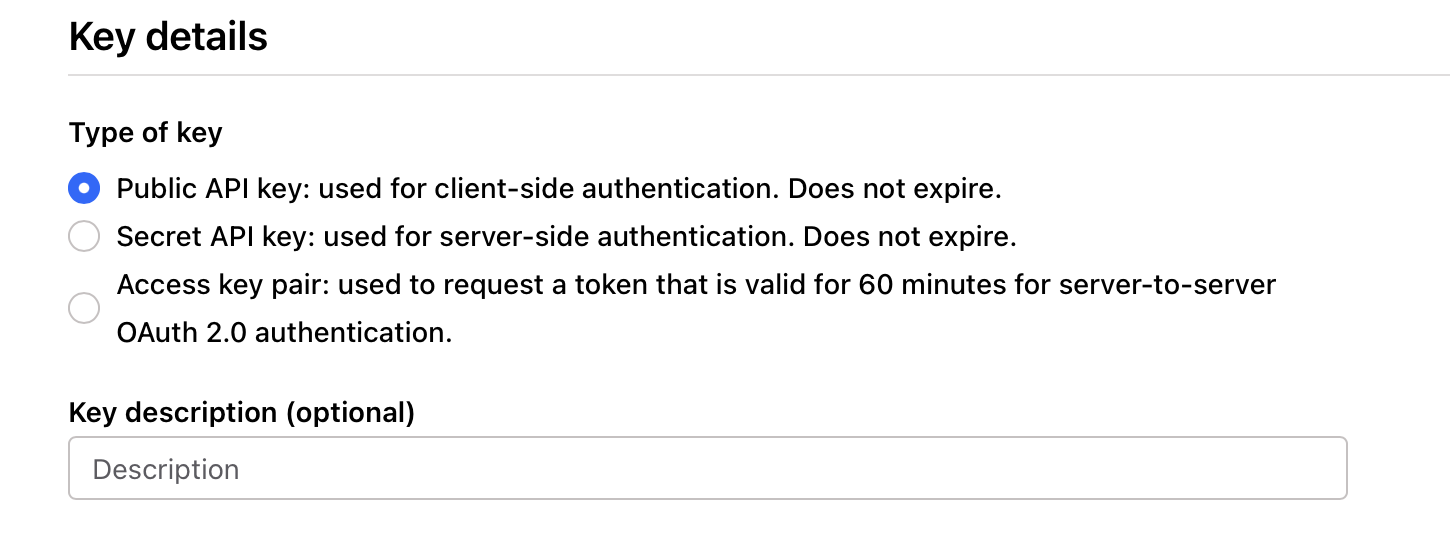
The Checkout.com public key is obtained from the Checkout.com Developer Dashboard under the Developers -> Overview heading. Then click + Create a new key and select Public API key.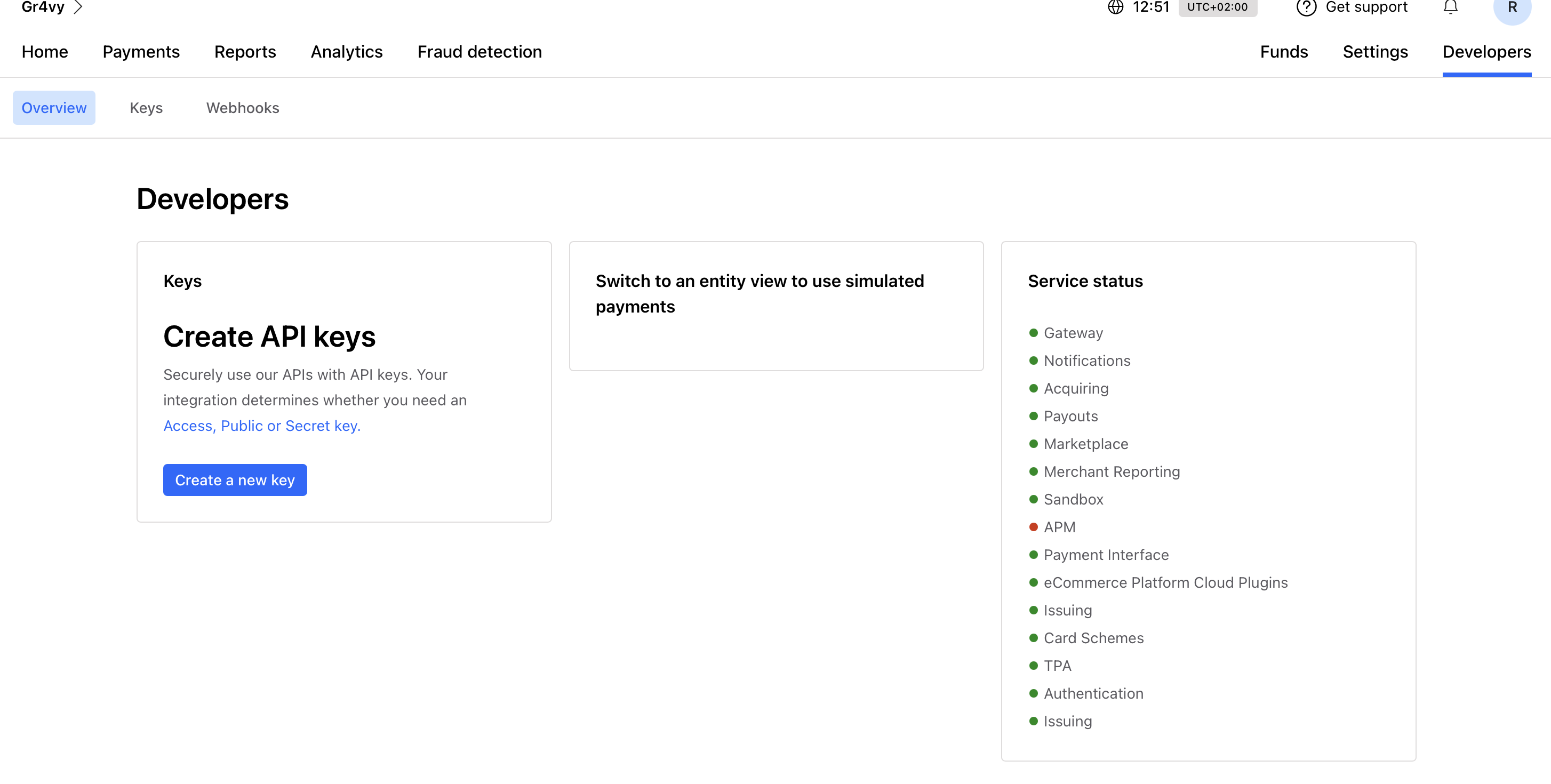
Secret key
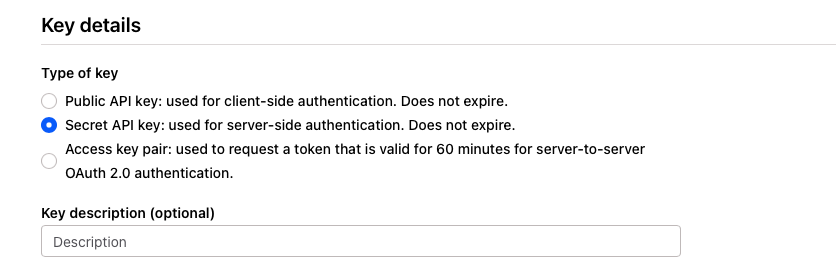
Navigate to the same section and select + Create a new key, then select Secret API key.